How you say it
말투 changes the tone of the words. Suggestions stay grounded in the original message, and nothing is rewritten into the host app before the user chooses it.

 Talk + Cosplay
Product design / vibe coding / interaction / visual direction
I designed and vibe coded TalkCos end to end: an iOS product that lets people write what they mean, shape how it sounds, and send it into the conversation.
Overview
TalkCos started from a simple observation: people do not only choose what to say, they choose the feeling behind it.
I shaped and built the product through one continuous vibe coding loop: plan the behavior, code the flow, test it in the iPhone simulator, then refine the interaction. The experience connects three actions—type with a purpose-built keyboard, tune the tone without losing the original words, and send the result with a chosen voice.
Product planning
I planned TalkCos around one constraint: expression had to happen inside the conversation, not in a separate editor. The product therefore starts with the message already being written and adds only the choices needed before it is sent.
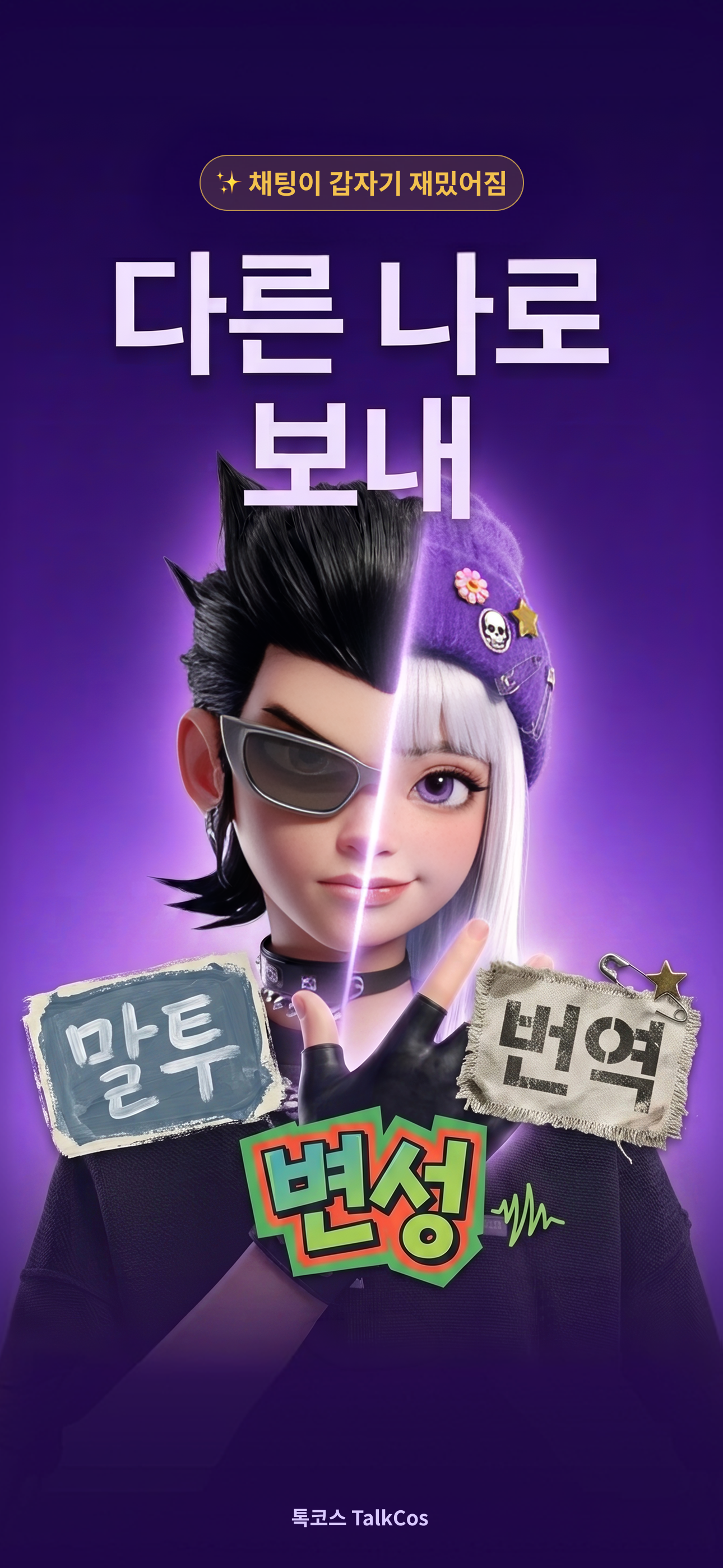
The concept of “sending as another self” became three independent controls—tone, translation, and voice. I translated that system directly into a working iOS build, using each simulator pass to decide what to simplify next.
Design journey
I worked in a continuous design–build–test loop. Each vibe coding iteration moved the product closer to the moment of sending and reduced the distance between intention, expression, and action.
Start with one recognizable moment: a person wants to say something, but the plain text does not carry the intended mood.
Make “how should this sound?” and “which voice should send it?” two deliberate choices instead of one opaque AI action.
Move tone, translation, phrases, clipboard, and undo into the writing surface so the user does not have to leave the conversation to shape a message.
Turn voice sending into a previewable sequence that ends where the message began: back in the host chat app.
Innovation logic
말투 changes the tone of the words. Suggestions stay grounded in the original message, and nothing is rewritten into the host app before the user chooses it.
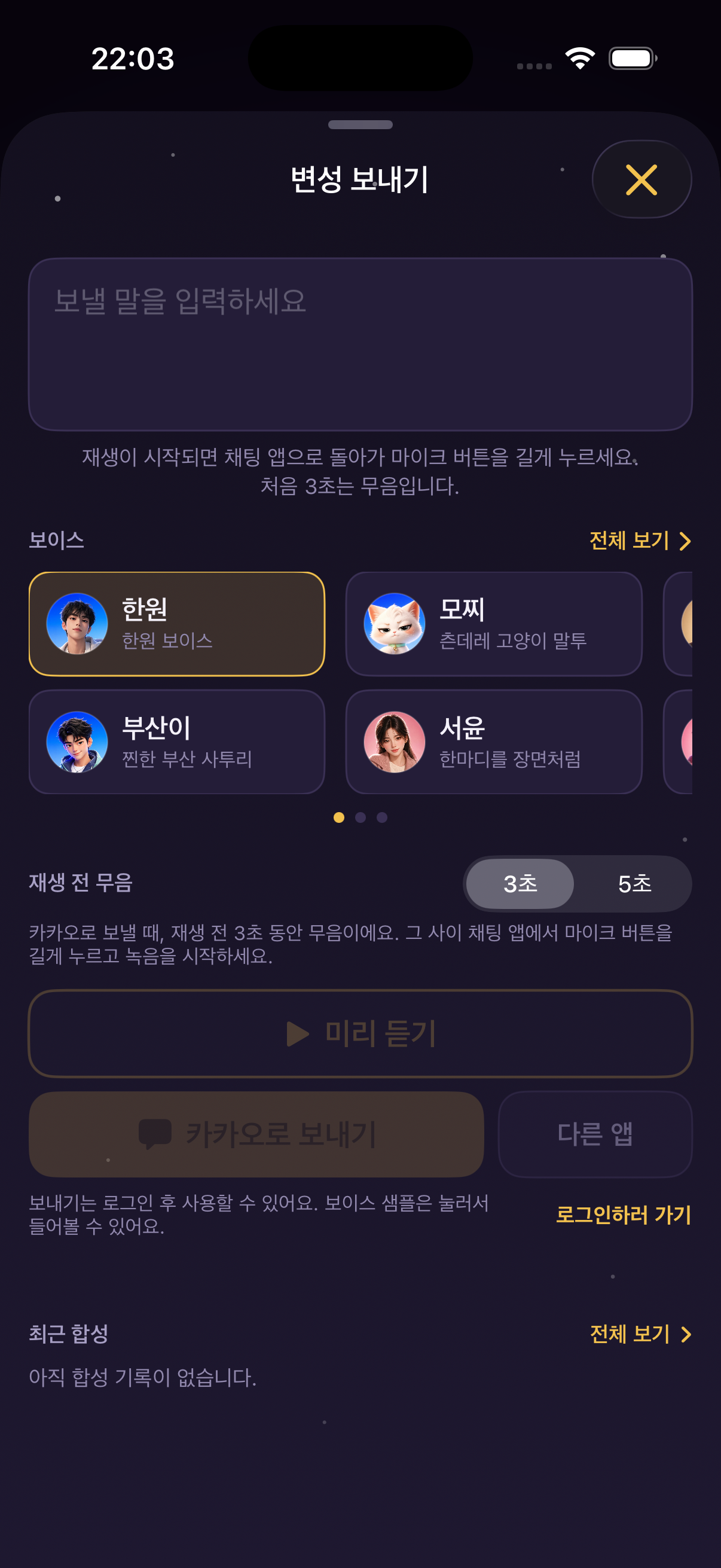
변성 is a separate decision. A character can shape the delivery without silently changing the message itself.
Preview and countdown create a small moment of consent before audio is played out loud and recorded into Kakao.
Innovative interaction
Tone candidates live in a draft layer first. The original text remains intact until the user taps to write the chosen version back.
The last original message is kept close at hand, so trying a new tone never feels like giving up control of the words.
Choose a voice, preview it, start the countdown, then return to Kakao for the long-press recording step. The boundary between TalkCos and the chat app stays legible.
Korean input planning
I treated Korean input as a layered decision surface, not a single autocomplete bar. The system first respects the Hangul syllable being composed, then offers help at progressively broader levels.
I planned candidate order around the immediate sentence, recent use, and personal frequency. Suggestions remain visible but passive: they enter the chat only after selection, and the previous text stays available for undo.
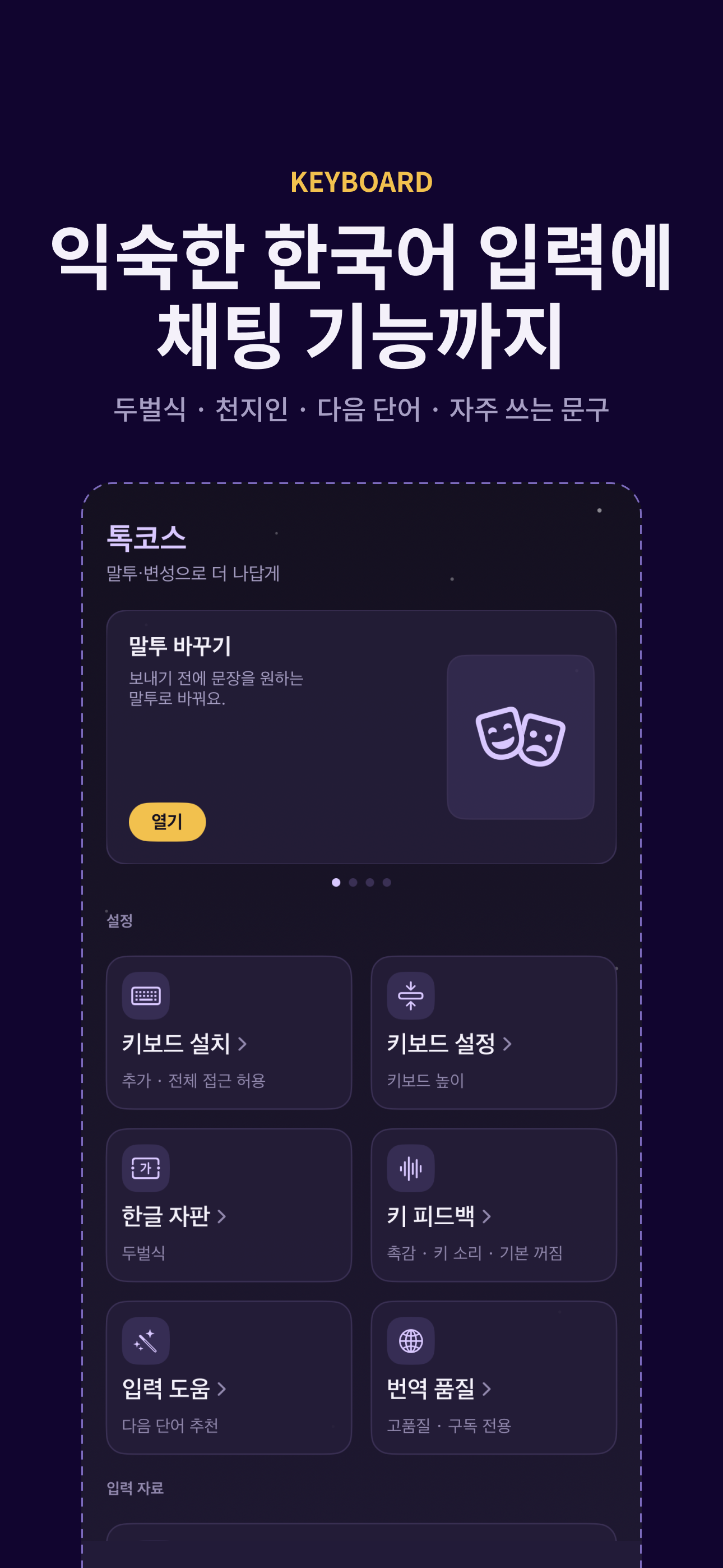
Korean composition, prediction, phrases, and expressive tools stay in one place.
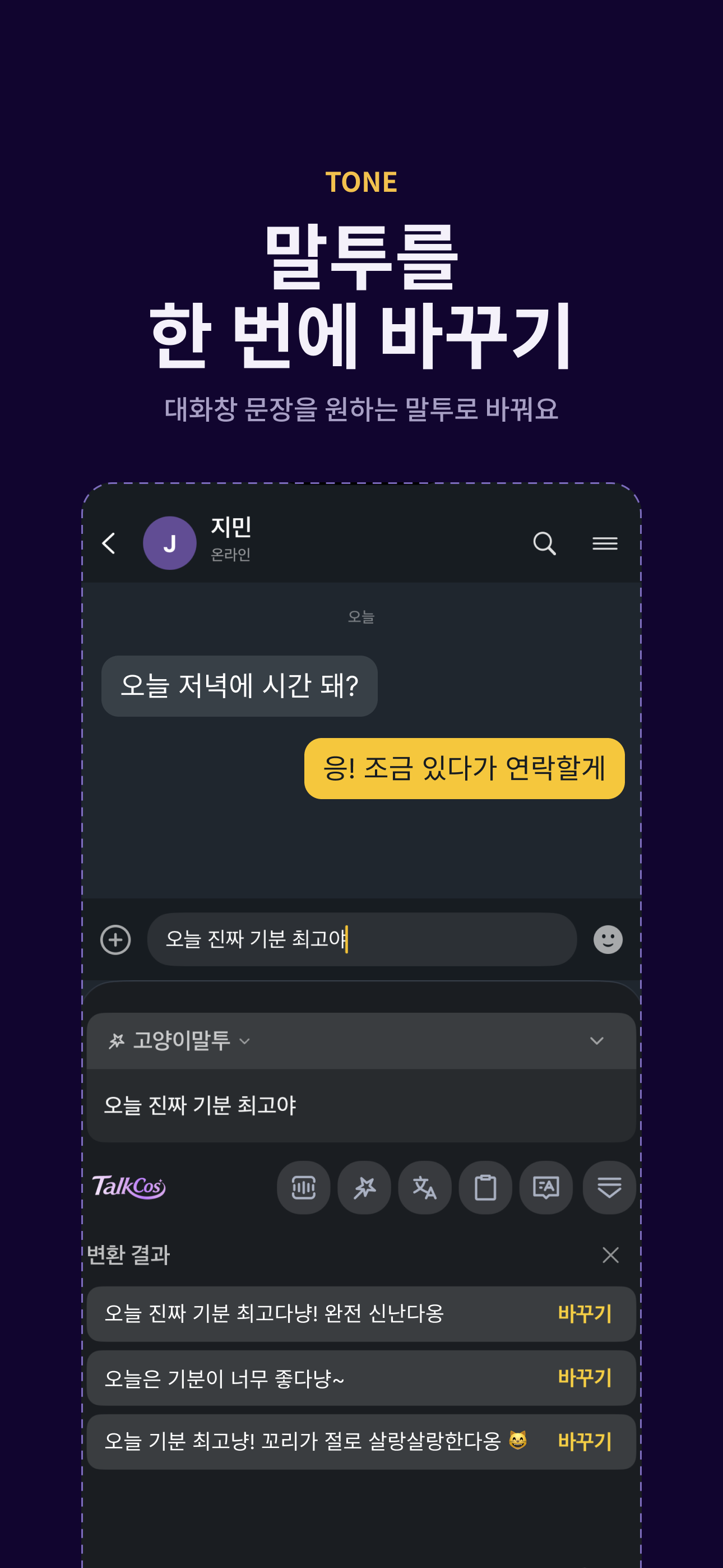
The original sentence remains visible until one tone candidate is selected.
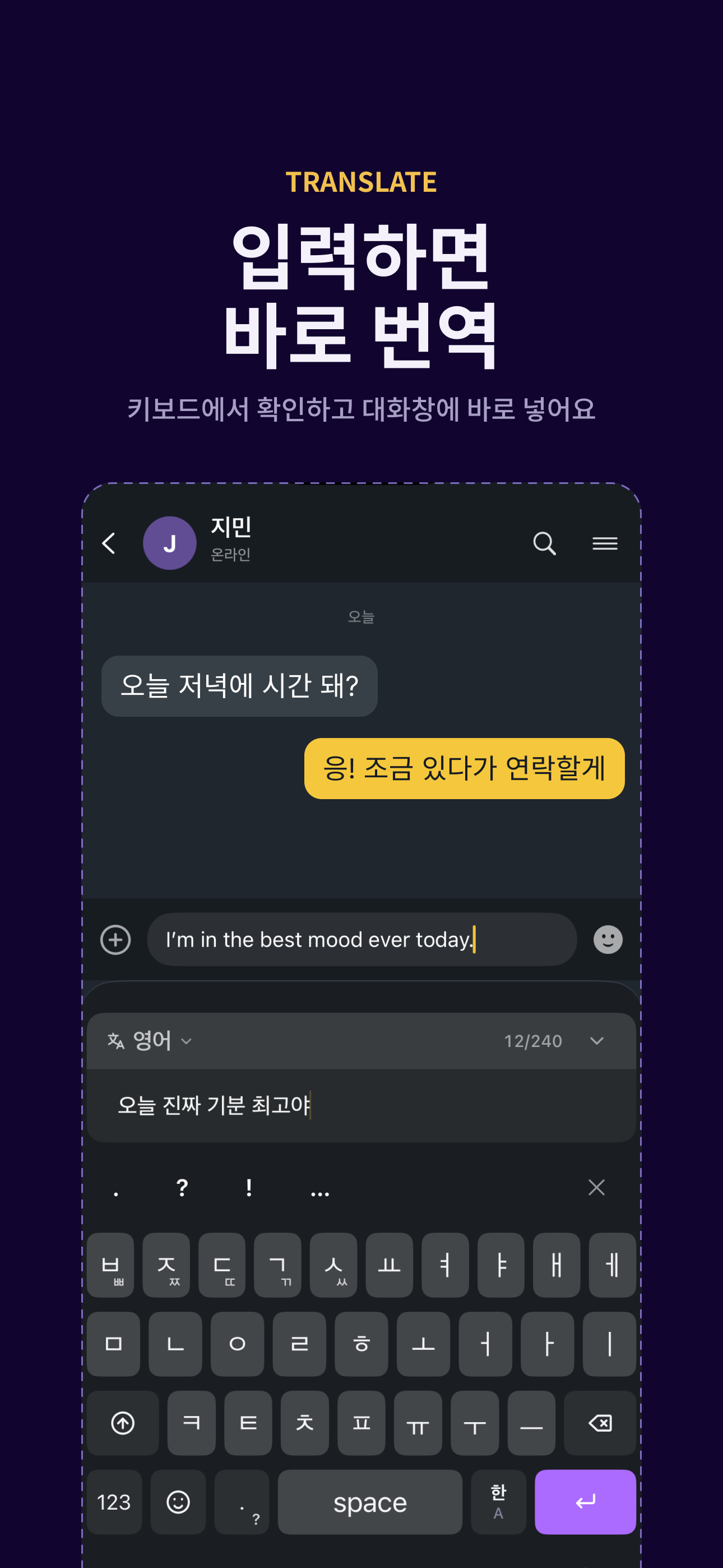
The target language and translated draft stay visible before returning to chat.
Latest build / vibe coded
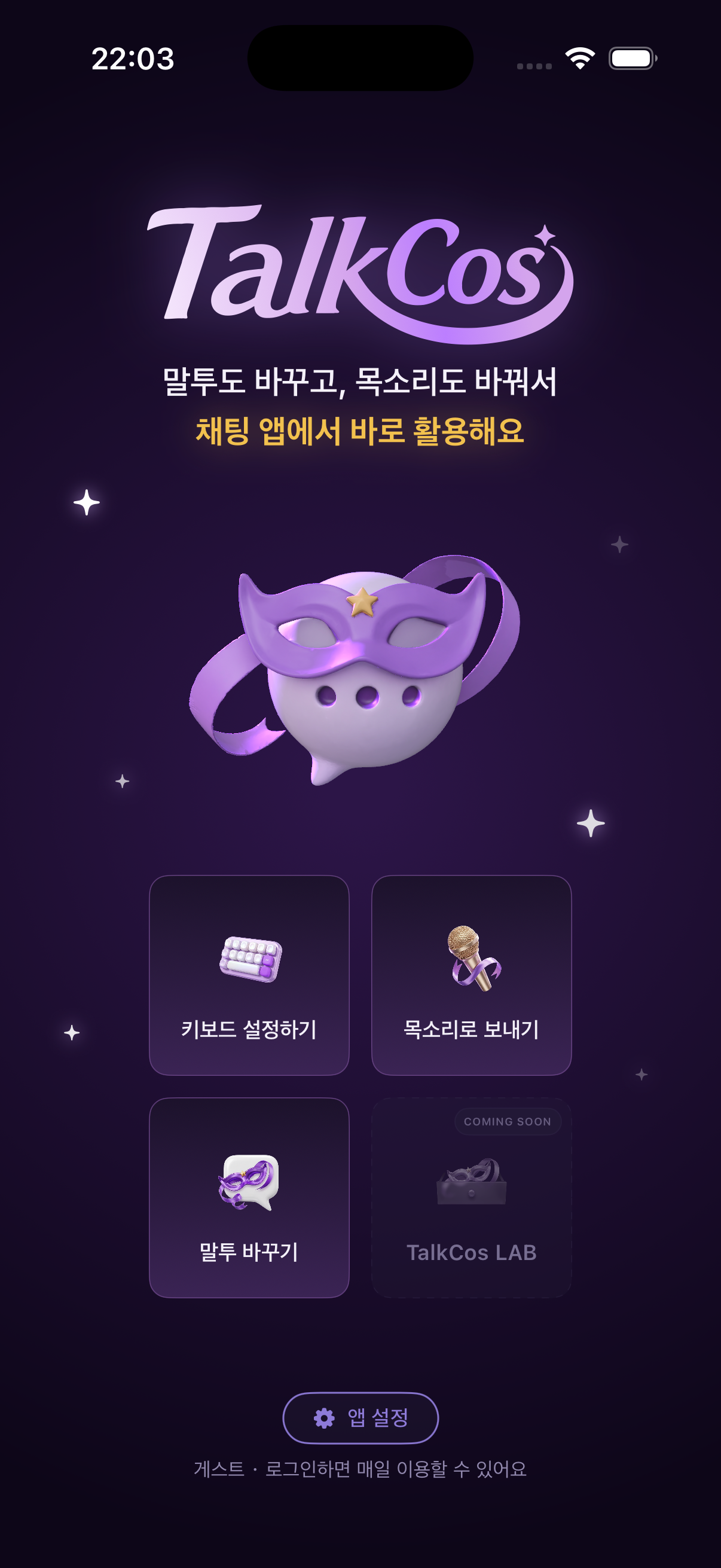
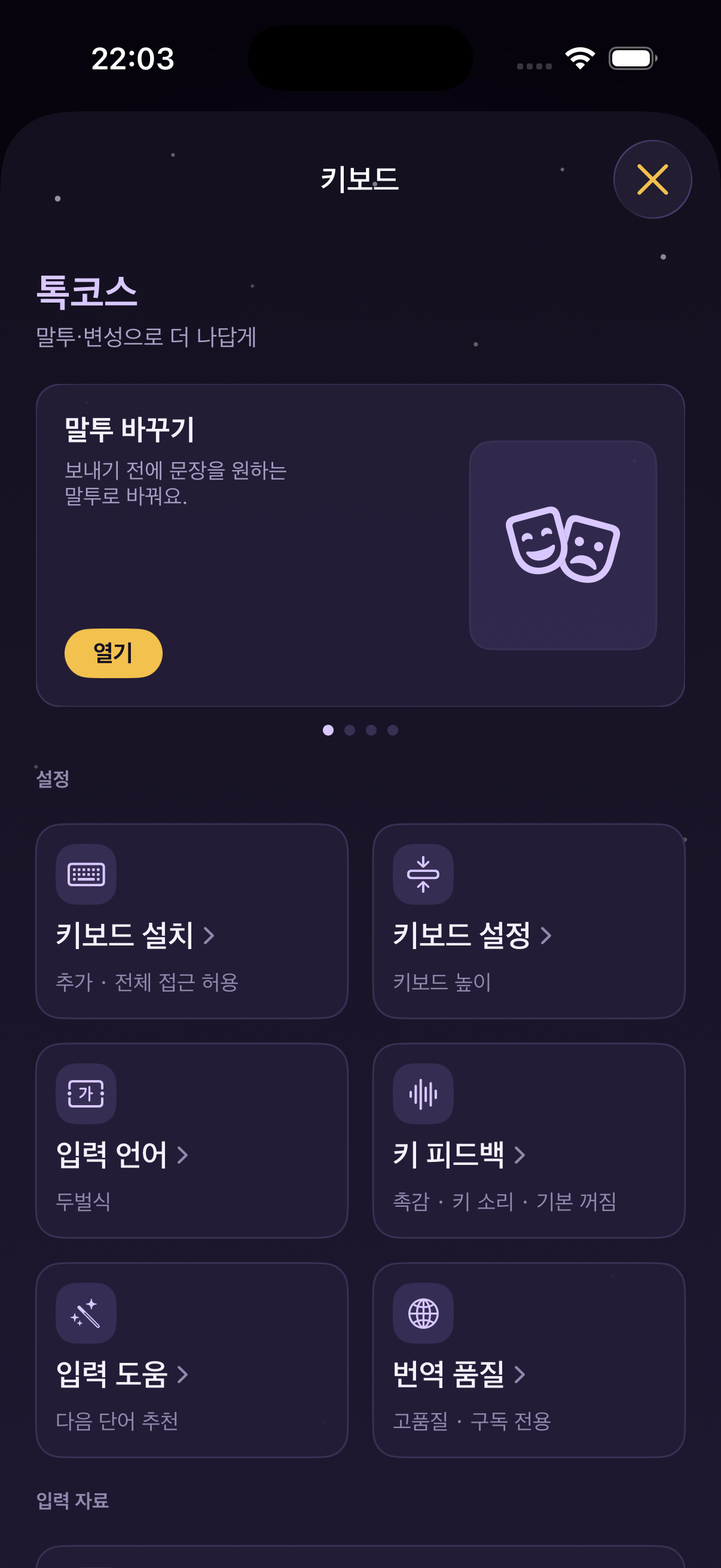
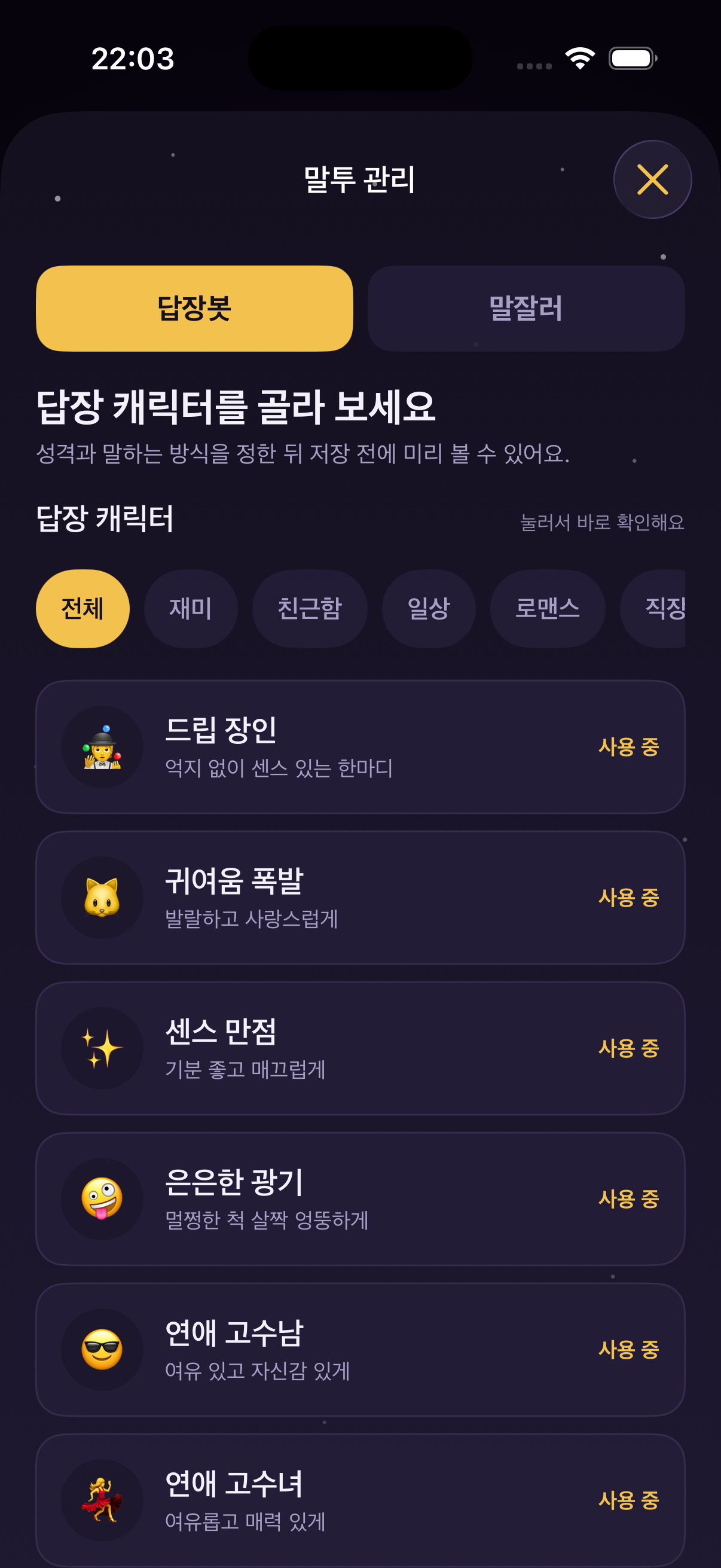
I vibe coded the full experience—navigation, keyboard setup, tone management, voice selection, preview, and chat handoff—then used simulator screenshots to review the product as a connected system.
Innovative functions
Custom keyboard surface. Presets, tone, voice, speech input, translation, phrases, recent clipboard, and undo are available at the point of writing.
Character-led home. The current character is the hero; the larger persona library stays one level deeper so the first decision remains clear.
Local-first utility. The recent clipboard keeps up to 20 items on-device, giving the feature utility without turning a private writing history into a cloud feed.
Design contribution
I owned the product framing, information architecture, interaction flows, visual language, and end-to-end vibe coding of the working iOS build. Designing and building in one loop let every product decision be tested as behavior, not only presented as a mockup.
Next project
Derivio / Brand and product ecosystem